


60% RGB Hot‑Swappable Keyboard for Fast Gaming
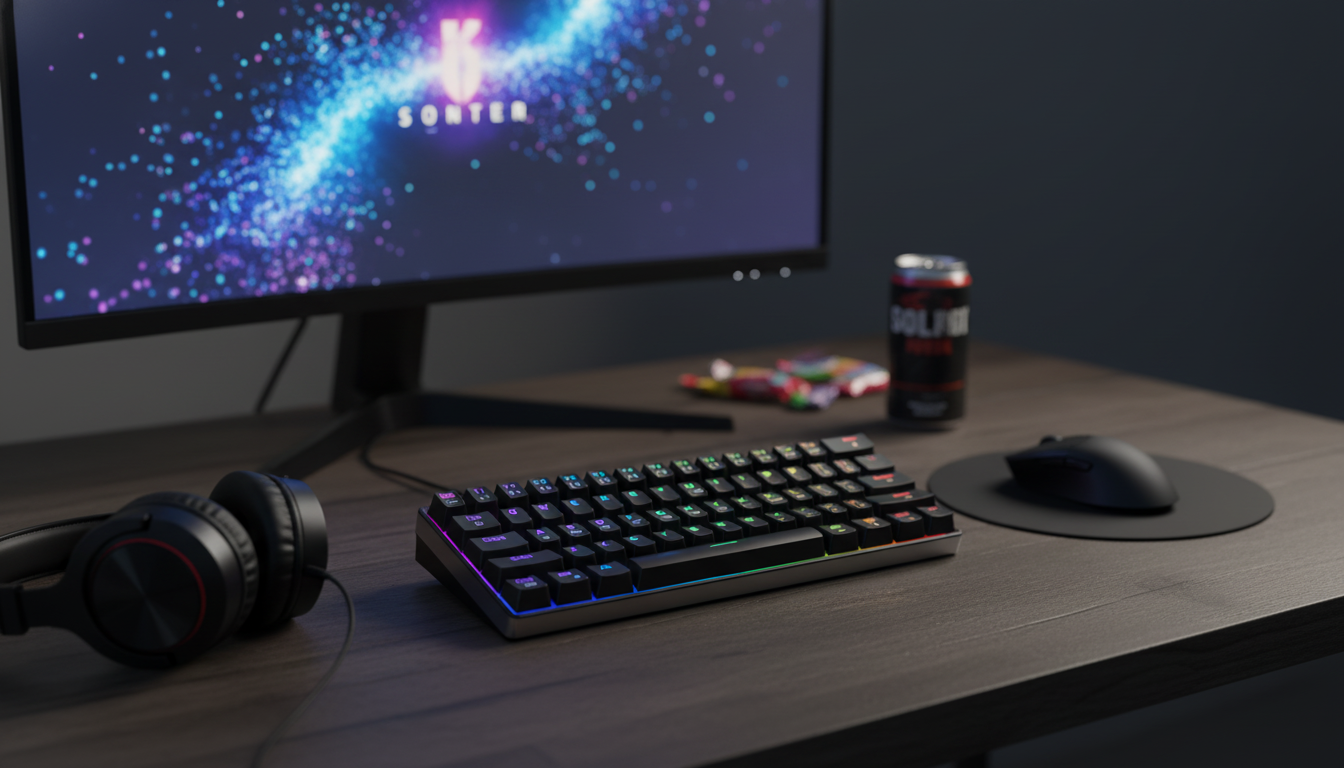
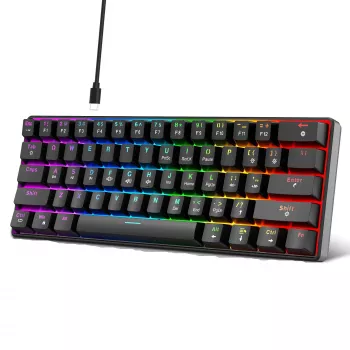
60% Mechanical Gaming Keyboard with RGB Backlight and Hot‑Swappable Red Switches
A compact mechanical keyboard can free up desk space, improve mouse movement room, and still deliver the fast, consistent key feel many players prefer. This 60% model pairs RGB backlighting with hot‑swappable red switches, making it easy to personalize both the look and the typing/gaming feel without committing to one switch type forever.
What a 60% layout changes on the desk
A 60% keyboard trims away the number pad, function row, and dedicated navigation cluster to reduce overall width. That smaller footprint keeps the mouse closer to your body’s centerline, which can feel more natural during long sessions—especially in games that demand constant flicks and resets.
- Removes the numpad and function row to reduce width and keep the mouse closer to the centerline.
- Useful for smaller desks, LAN setups, dorm rooms, or minimalist battlestations.
- Most 60% boards rely on a function layer for arrows and media controls; setting expectations up front prevents surprises.
- Compact layouts can reduce shoulder reach during long sessions by shortening mouse travel distance.
At-a-glance specs and highlights
This style of keyboard focuses on three things: compact size, fast linear switches, and lighting that stays readable in low light. If you want a straightforward way to get that combo, the 60% Mechanical Gaming Keyboard – RGB Backlit, Compact, Hot-Swappable Red Switches is built around the essentials: a 60% footprint, RGB backlight, and hot-swap sockets that make switch changes simple.
- RGB backlighting for visibility and customization in low light.
- Hot‑swappable switch sockets for quick switch changes (no soldering).
- Red-style linear switches aimed at smooth, fast presses.
- Compact 60% footprint designed for gaming and everyday use.
Quick feature comparison
| Feature | What it means | Why it matters |
|---|---|---|
| 60% compact layout | Smaller keyboard footprint | More mouse room and easier transport |
| RGB backlighting | Multi-color lighting effects | Better visibility and visual customization |
| Hot-swappable switches | Switches can be replaced without soldering | Experiment with feel/sound and extend keyboard life |
| Red linear switches | Smooth press with no tactile bump | Consistent actuation for rapid inputs |
Hot-swappable switches: flexibility that extends lifespan
Hot-swap sockets change how a keyboard ages. Instead of living with a single switch type forever—or replacing the whole board when one key starts acting up—you can replace individual switches and keep the rest of the keyboard intact.
- Swapping switches allows tuning for different preferences: lighter for fast action, heavier for fewer mis-presses, or tactile/clicky for feedback.
- A single failed switch doesn’t have to end the keyboard—replace one switch instead of the whole board.
- Basic swap workflow: remove keycap, pull switch straight up with a switch puller, align pins, press new switch firmly into the socket.
- Good practice: avoid twisting switches during removal to reduce risk of bent pins.
For a deeper primer on switch feel and terminology (linear vs. tactile vs. clicky), Keyboard University is a solid reference that breaks down what changes the sound and feel across common switch styles.
Why red linear switches are popular for gaming
Red-style linear switches are known for a smooth keypress from top to bottom, without a tactile bump. Many players like that uninterrupted travel because every press feels the same—useful for repeated inputs like strafing, quick ability taps, and double-taps where consistency matters more than feedback.
- Linear travel provides a smooth, uninterrupted press that many players find predictable for repeated keystrokes.
- Often preferred for rapid double-taps and strafing because the feel stays consistent across the keypress.
- If accidental presses happen, switching to a slightly heavier linear switch is an easy way to add resistance without changing the sound profile dramatically.
- Sound and feel can be further tuned with different keycaps or switch choices over time.
RGB lighting: function and style
RGB can be a practical upgrade, not just a visual one. In a dim room, backlighting improves legibility and helps reduce mis-keys when you’re moving quickly. It can also be used to highlight important keys for a specific game (movement cluster, push-to-talk, or ability rows on the function layer).
Comfort and usability tips for 60% keyboards
Setup, compatibility, and cable considerations
Most keyboards in this category are plug-and-play on common operating systems, following the standard USB Human Interface Device behavior (an overview is available at USB HID). Even when software isn’t required, lighting modes and function-layer behaviors are often available via onboard shortcuts.
For a clean travel kit, pairing the keyboard with a shorter or retractable cable can keep tangles under control. The 66W 5A Fast Charging Spring Retractable USB Type C Cable – For Car & On-the-Go is handy for compact routing in a backpack or car setup. If a standard length is preferred for desk use and charging gear, the 100W USB-C to USB-C Fast Charging Cable with PD 3.0 & QC 4.0 – 5A Power is a straightforward option to keep in the same workspace.
Care, cleaning, and keeping keystrokes consistent
FAQ
Does a hot-swappable keyboard require soldering to change switches?
No—hot-swap sockets are designed so you can replace switches without soldering. Remove the keycap, pull the switch straight up, align the pins on the new switch, and press it firmly into the socket to avoid bending pins.
Are red switches good for both gaming and typing?
Red linear switches work well for gaming because they’re smooth and consistent for rapid inputs. For typing, some people prefer tactile feedback, but hot-swap support makes it easy to try a different switch style later without replacing the keyboard.
Will a 60% keyboard work well without dedicated arrow keys?
Yes, but it takes a short learning curve because arrows and navigation usually live on a function layer. Once the shortcuts become muscle memory—or if you set consistent remaps—60% boards can feel fast for both gaming and everyday use.











Leave a comment